OpenRouter Sign-Up: One Key for Every Big Model (Free Models Included)
OpenRouter is an LLM gateway — one API to reach every major model. Sign up in minutes with a Google account, get an API key, and use a pile of free models. This walks you from homepage sign-up, to choosing an account type, to grabbing your key, to finding free models — ready to plug into Make, n8n, OpenClaw, or your own code.
 卡住很正常——點段落旁的 😵 卡關 讓我們知道,或直接往下滾到問答區發問。
也可以用 👍 看懂 / 😢 看不懂 告訴我們哪裡寫得好、哪裡要改。
卡住很正常——點段落旁的 😵 卡關 讓我們知道,或直接往下滾到問答區發問。
也可以用 👍 看懂 / 😢 看不懂 告訴我們哪裡寫得好、哪裡要改。
In one line: Go to openrouter.ai, click Sign Up, log in with Google, choose Individual, generate an API key on the Keys page (shown in full only once — copy it right then), and any tool that takes that key can call GPT, Claude, Gemini, Llama and more — plus a bunch of models tagged
(free).
Keywords: OpenRouter, API Key, LLM gateway, free models, free, Gemma, Individual, Sign in with Google, model routing
What is OpenRouter, and why does it exist?
Say you want to wire up AI models, but out there you’ve got OpenAI, Anthropic, Google, Meta… each with different API formats, accounts, and billing. Applying to each and integrating each is a pain.
OpenRouter solves exactly that — it’s an LLM gateway: you get one API key from OpenRouter and call 400+ models across 70+ providers through a single interface. Want to switch models? Change one string; no new account needed. And it hosts plenty of free models — plenty for practice and small projects.
google/gemma-4).
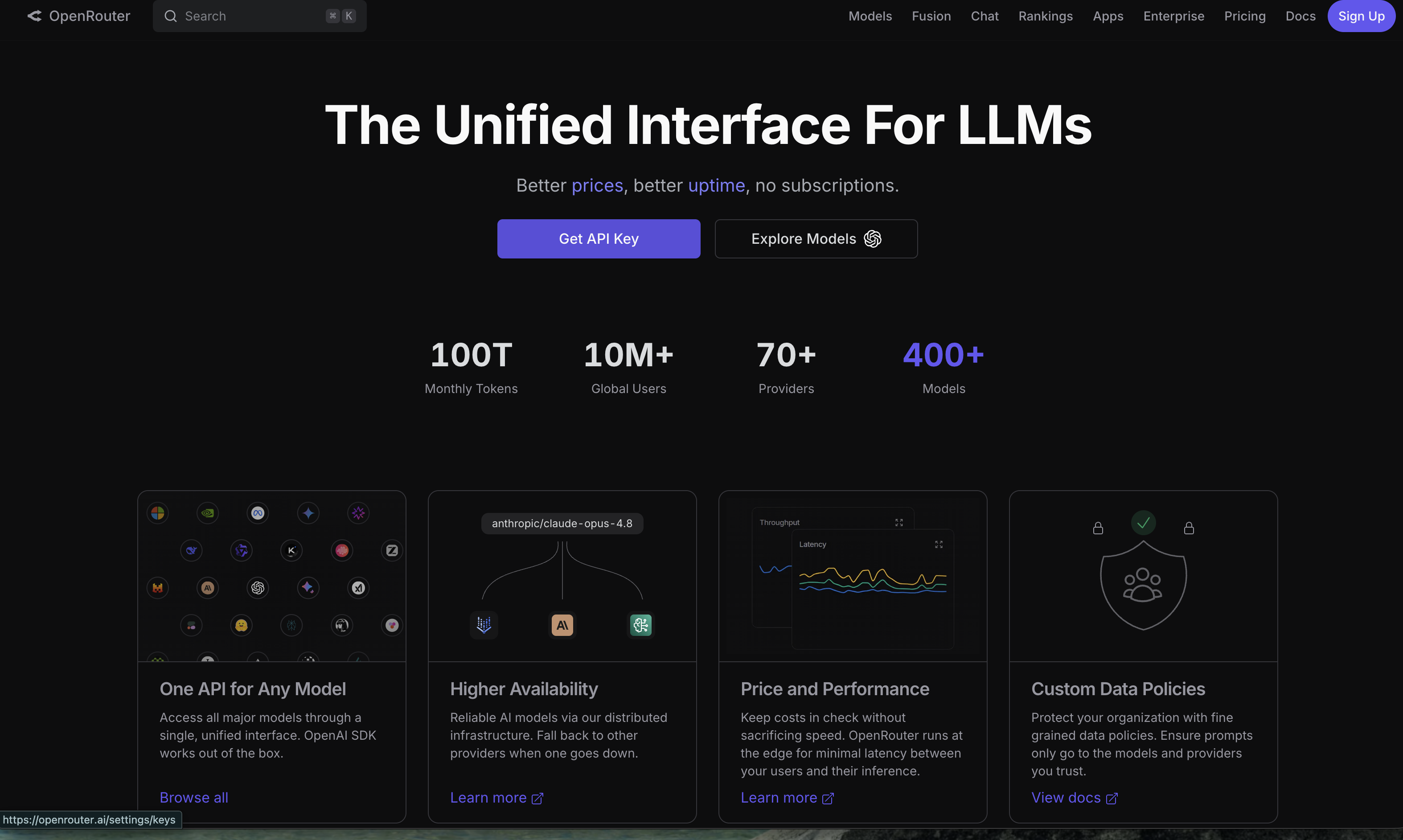
Step 1: Click Sign Up on the site
Open openrouter.ai. Top-right is a purple Sign Up, and the hero has a Get API Key button. Click either to start.
Step 2: Choose a login method (Google recommended)
A “Sign in to OpenRouter” card appears with SSO icons (GitHub, Google…) and an email + password option. Google is fastest — click the Google icon, pick your account, and consent.
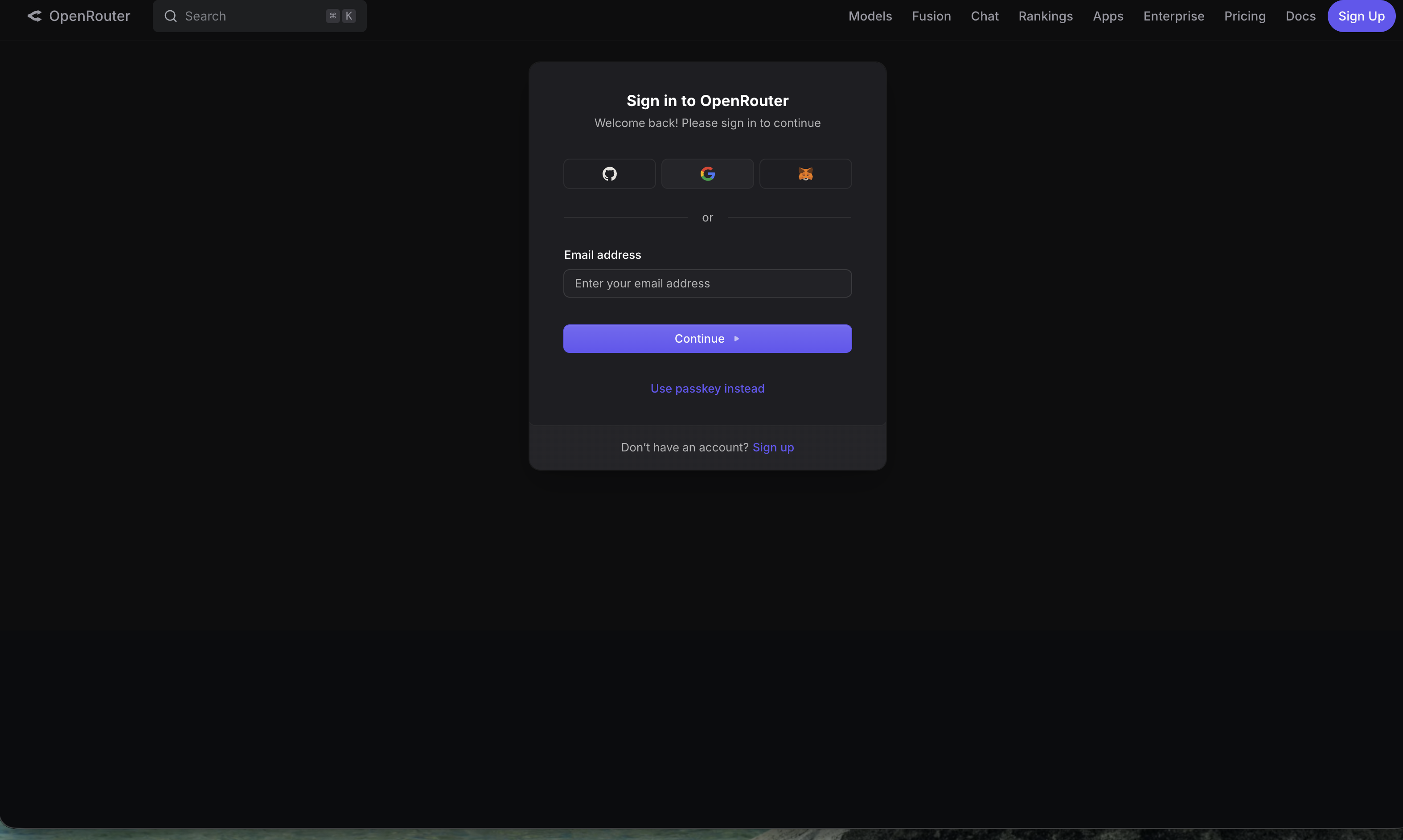
First-time sign-up also shows a Legal consent checkbox page — tick it and click Continue.
Step 3: Pick account type — Individual
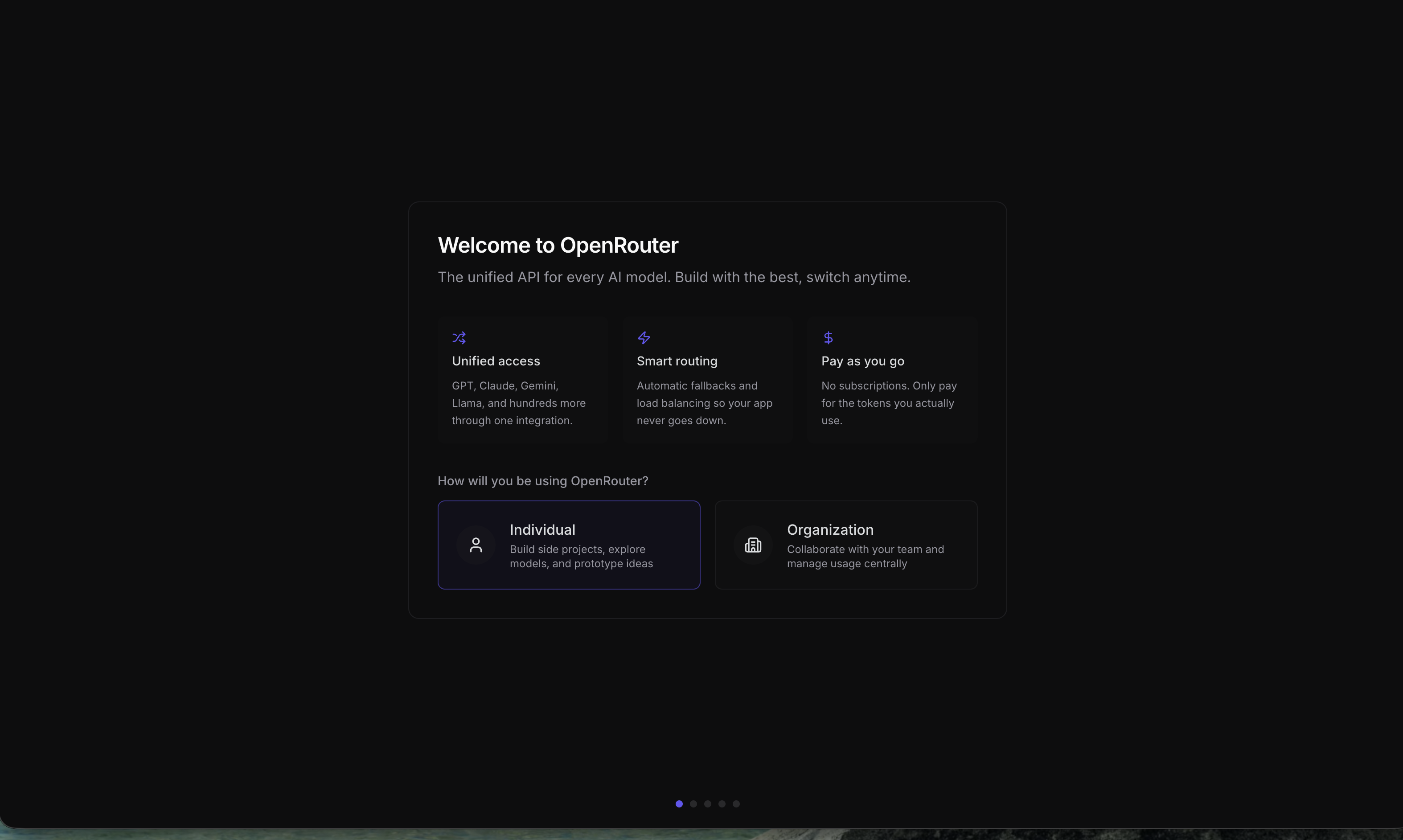
In onboarding, OpenRouter asks “How will you be using OpenRouter?” with two options:
- Individual: build side projects, explore models, prototype ← choose this for personal use
- Organization: collaborate with a team, manage usage centrally
For learning, tinkering, or small tools, Individual is right.
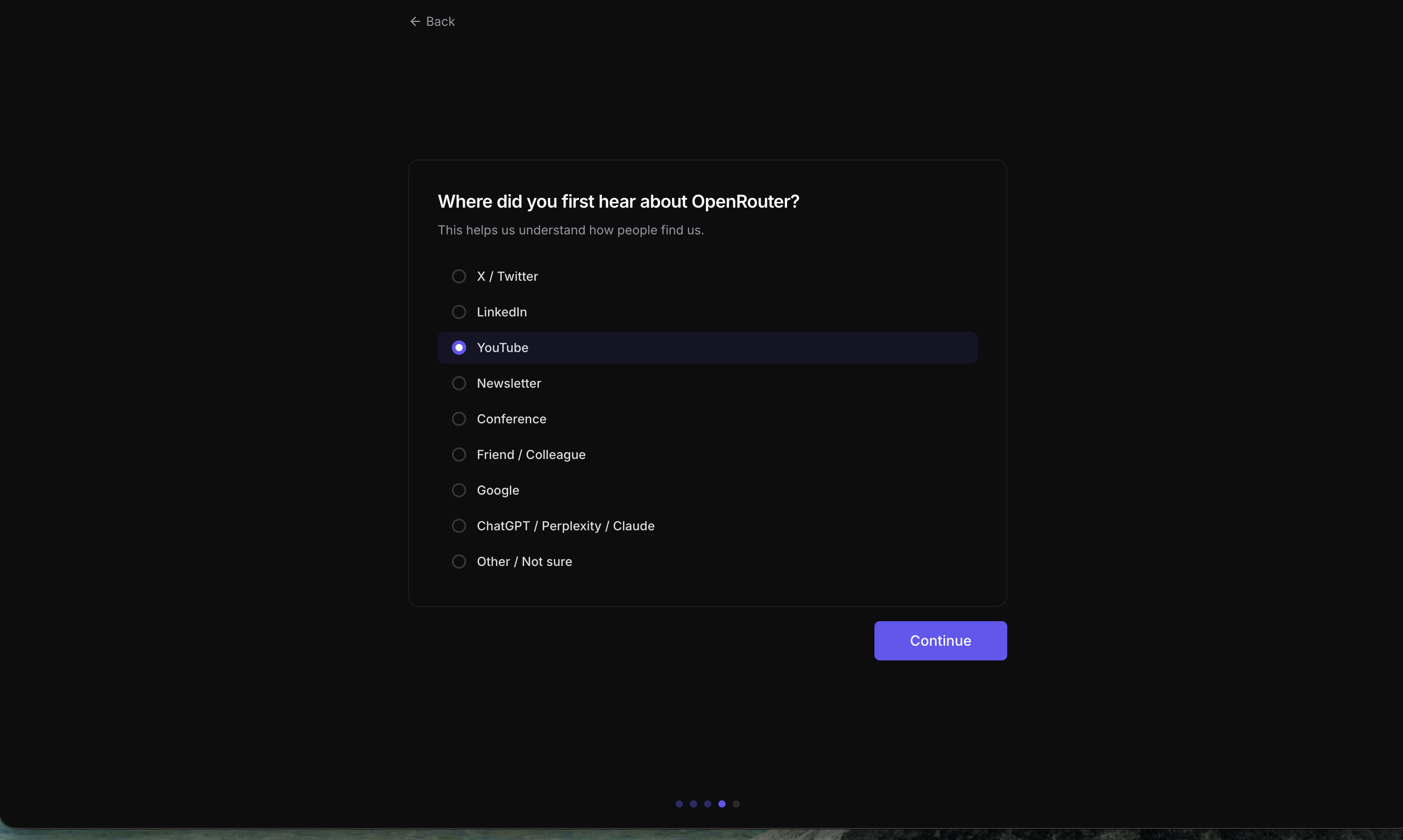
It may then ask where you heard about OpenRouter — pick anything (e.g., YouTube) and click Continue; it doesn’t affect features.
🚨 It wants a credit card / billing address — is that required?
Sign-up may show an “Add a payment method / billing address” step, but there’s usually an “I’ll do this later” link. Free models don’t need a card — to practice on free ones, click “later” and skip payment setup. Come back and add a card when you want paid models.
Step 4: Finish setup, go to the Dashboard
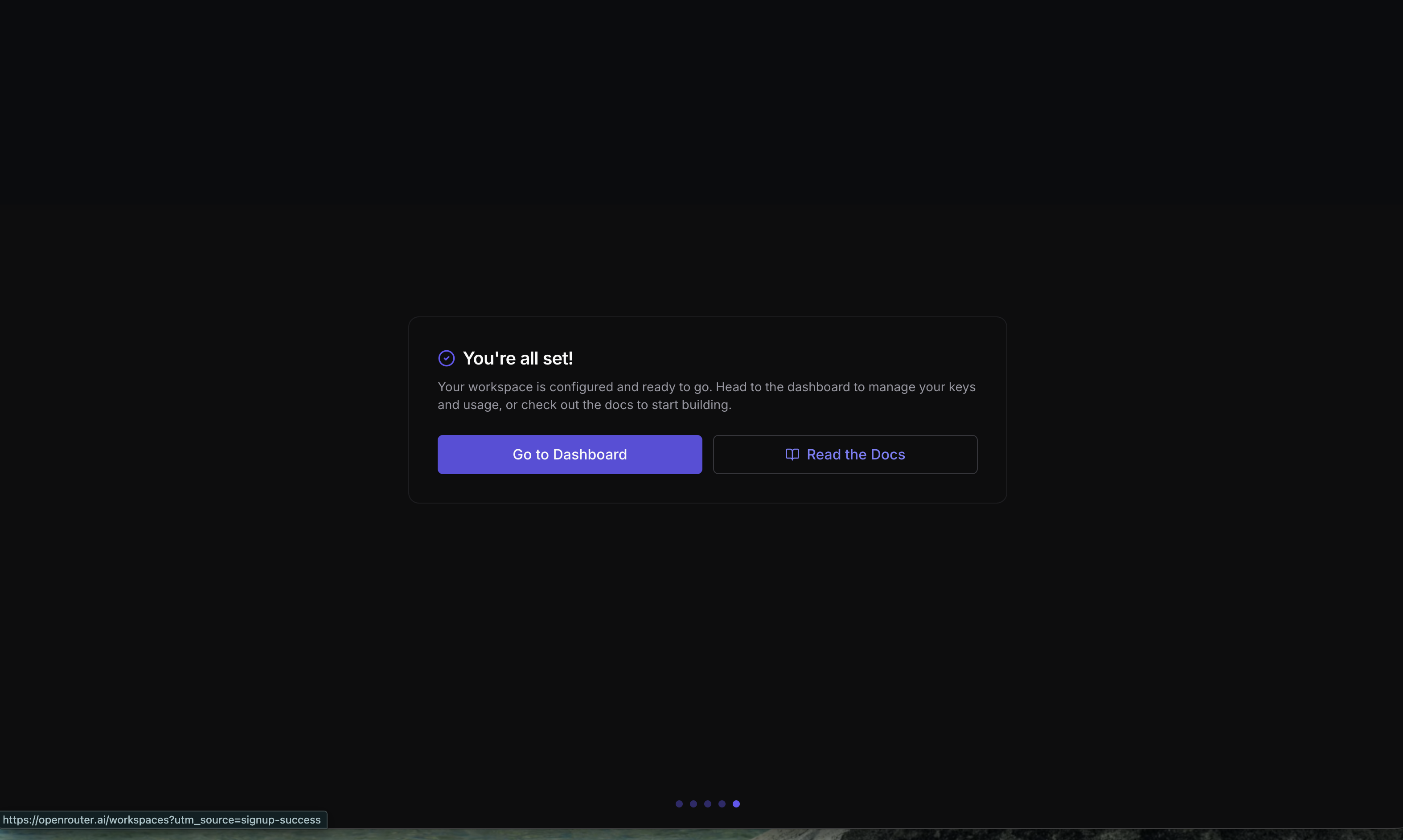
Seeing “You’re all set!” means your account is created. Click Go to Dashboard (or Read the Docs).
Step 5: Generate your API key (shown only once!)
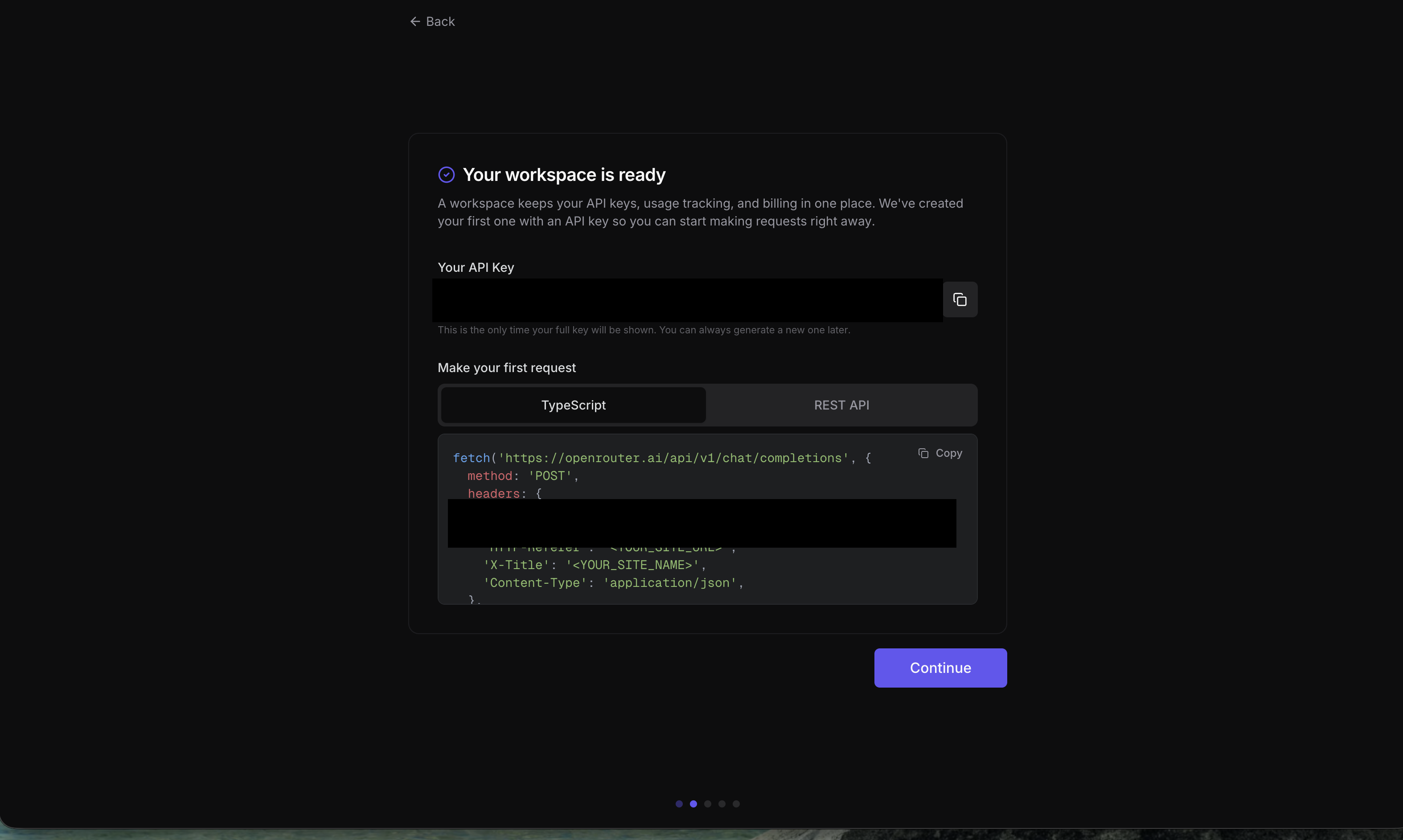
On the Keys (API Keys) page, generate a new key. The screen shows a string starting sk-or-v1-... with a copy button.
The single most important line here: the screen usually warns “This is the only time your full key will be shown.” So copy it right then and store it somewhere safe (a password manager, or your .env file). Once you close this screen, you can never see the full key again.
🚨 Closed the key by accident and didn’t save it?
Don’t panic, and don’t try to “recover” it — you can’t. Just delete the old one and generate a new key. Keys are meant to be revoked and reissued anytime; it’s good hygiene: suspect a leak, rotate immediately.
Step 6: Meet the free models
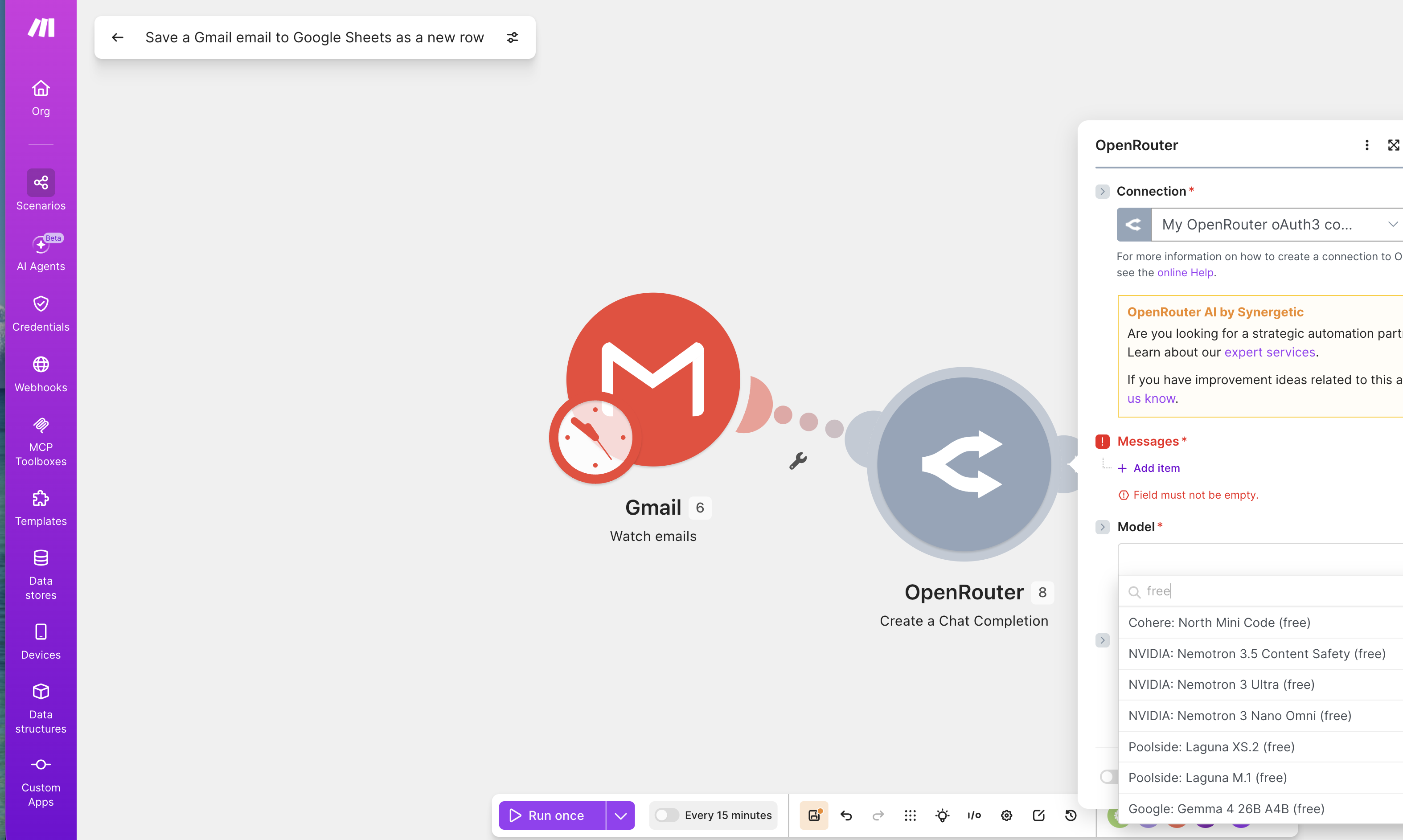
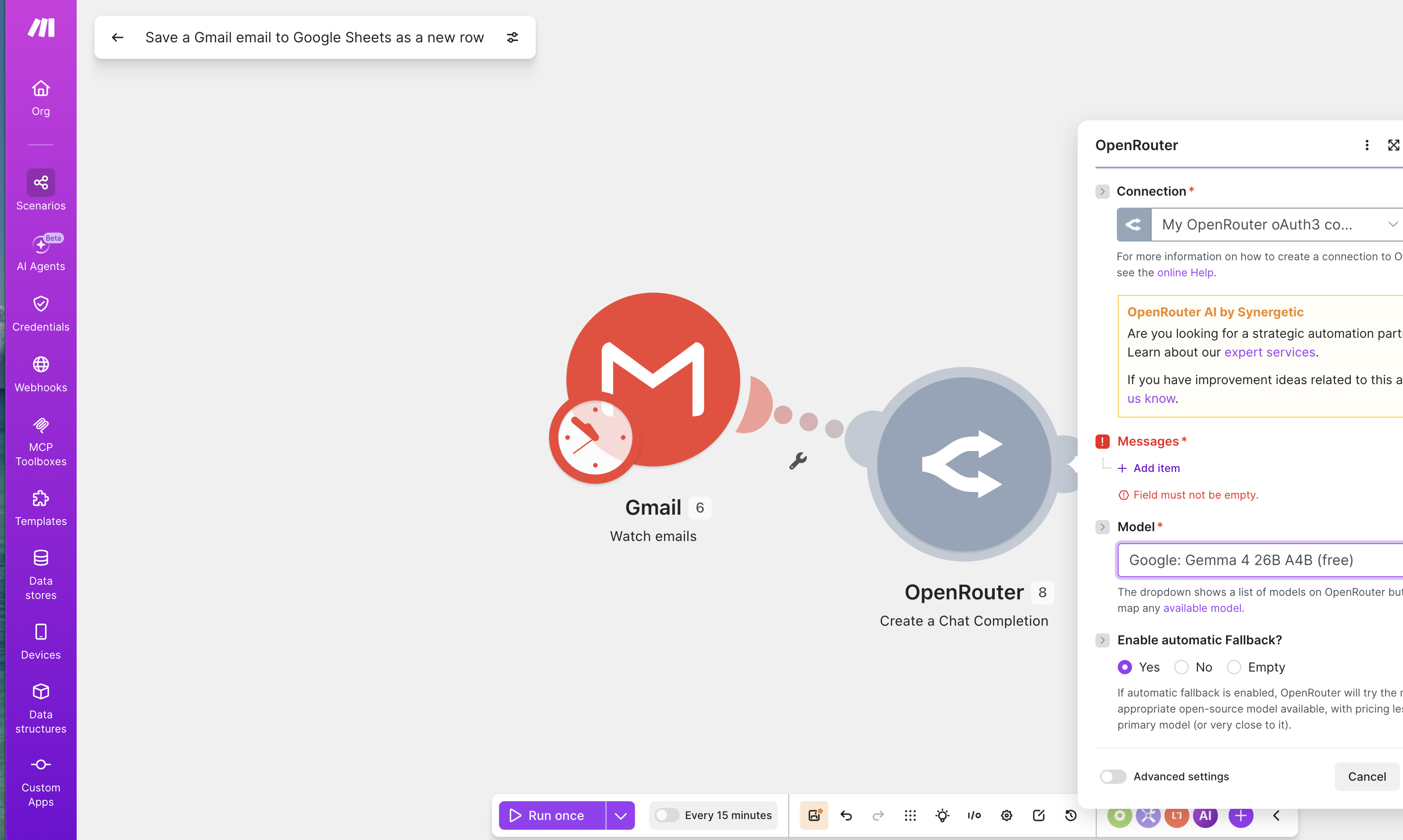
Many models on OpenRouter are tagged (free) — these are free (rate-limited, but plenty for practice). When you pick an OpenRouter model in a tool (e.g., Make, n8n), search free to filter them, such as Google: Gemma 4 26B A4B (free).
Model names use the format provider/model, e.g., google/gemma-4, anthropic/claude-opus-4.6. Write model names in that format.
Done! Where can this key go?
You now hold an OpenRouter API key. Feed it to almost any tool that supports a custom LLM:
- Automation platforms like Make / n8n (e.g., “auto-classify incoming Gmail with AI”)
- AI agent frameworks like OpenClaw
- Your own Python / JavaScript code
One key, every model. Switching models or comparing price/performance later needs no new account.
這篇文章對你有幫助嗎?
💬 問答區
卡關了?直接在這裡問,其他讀者和作者都能幫忙解答。
載入中...
Found this useful? Share it with a friend who’s also getting their hands dirty
Share on LINE