Ollama + OpenClaw Quick Start | macOS
A macOS-only guide: use Ollama's free cloud quota to get OpenClaw talking in minutes — no API key setup required at all.
 卡住很正常——點段落旁的 😵 卡關 讓我們知道,或直接往下滾到問答區發問。
也可以用 👍 看懂 / 😢 看不懂 告訴我們哪裡寫得好、哪裡要改。
卡住很正常——點段落旁的 😵 卡關 讓我們知道,或直接往下滾到問答區發問。
也可以用 👍 看懂 / 😢 看不懂 告訴我們哪裡寫得好、哪裡要改。
<img src="/images/dock_head_s.png" alt="Duck Editor" width="24" style="vertical-align: middle;">Duck Editor, straight to the point: Ollama + OpenClaw needs no API key setup at all. Use the free cloud quota from your Ollama account, pick a model, and start chatting. The whole flow looks like this:Install Ollama → ollama launch openclaw → Pick a cloud model → Start chatting
Step 1: Install Ollama
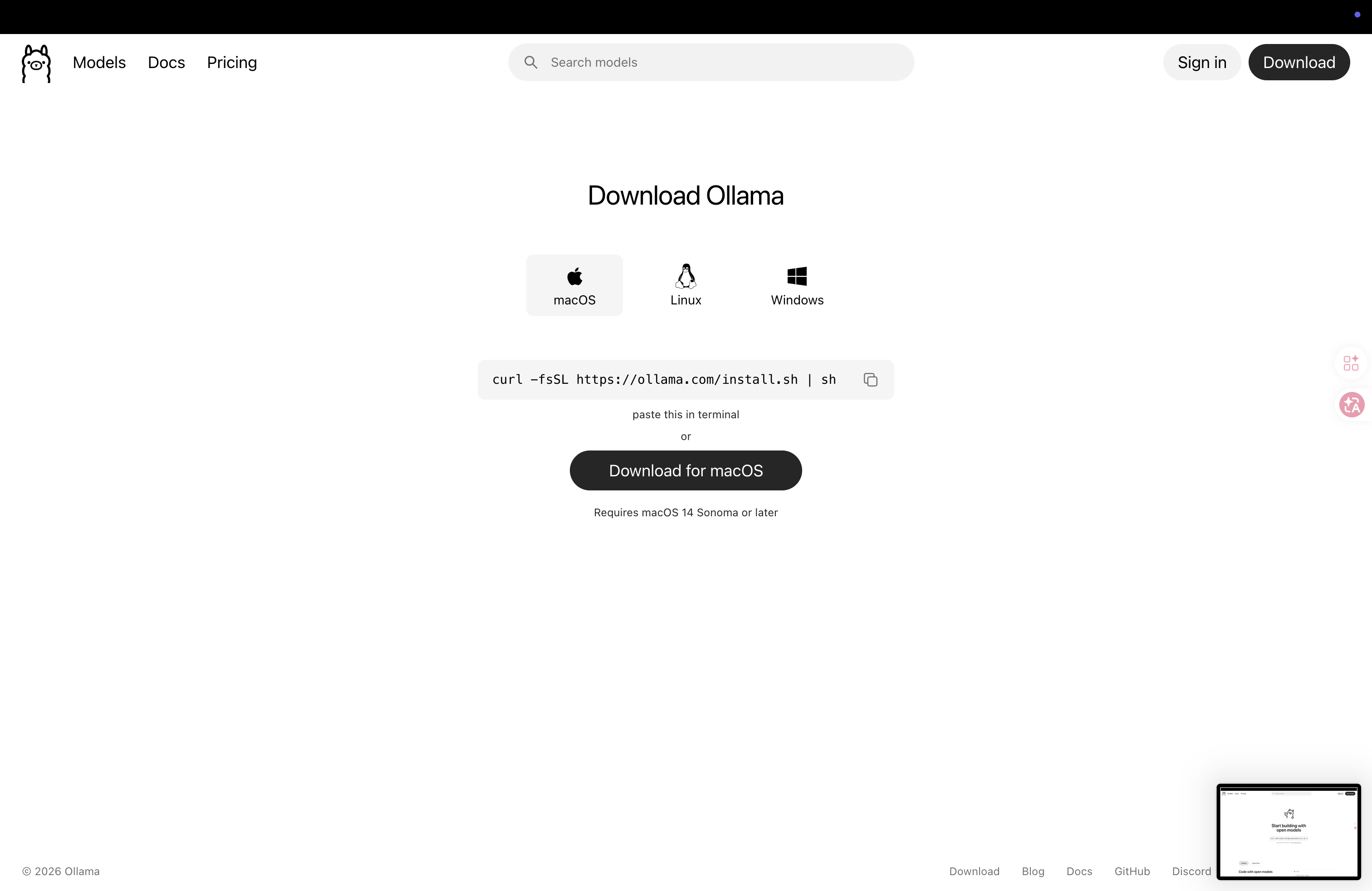
- Go to ollama.com/download
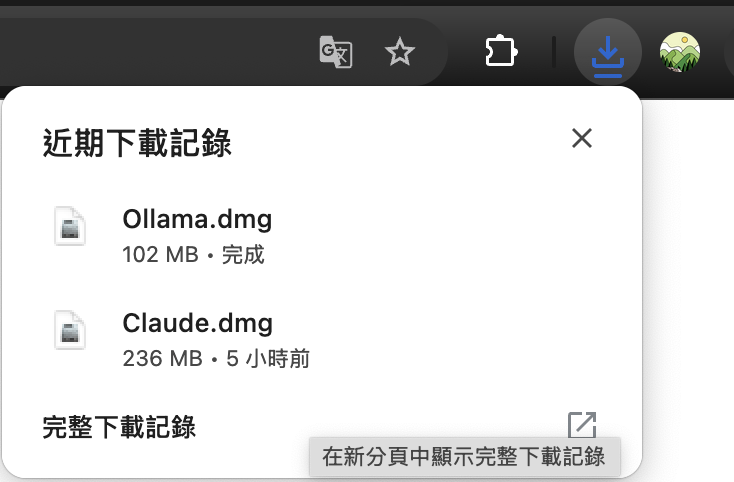
- Click “Download for macOS”
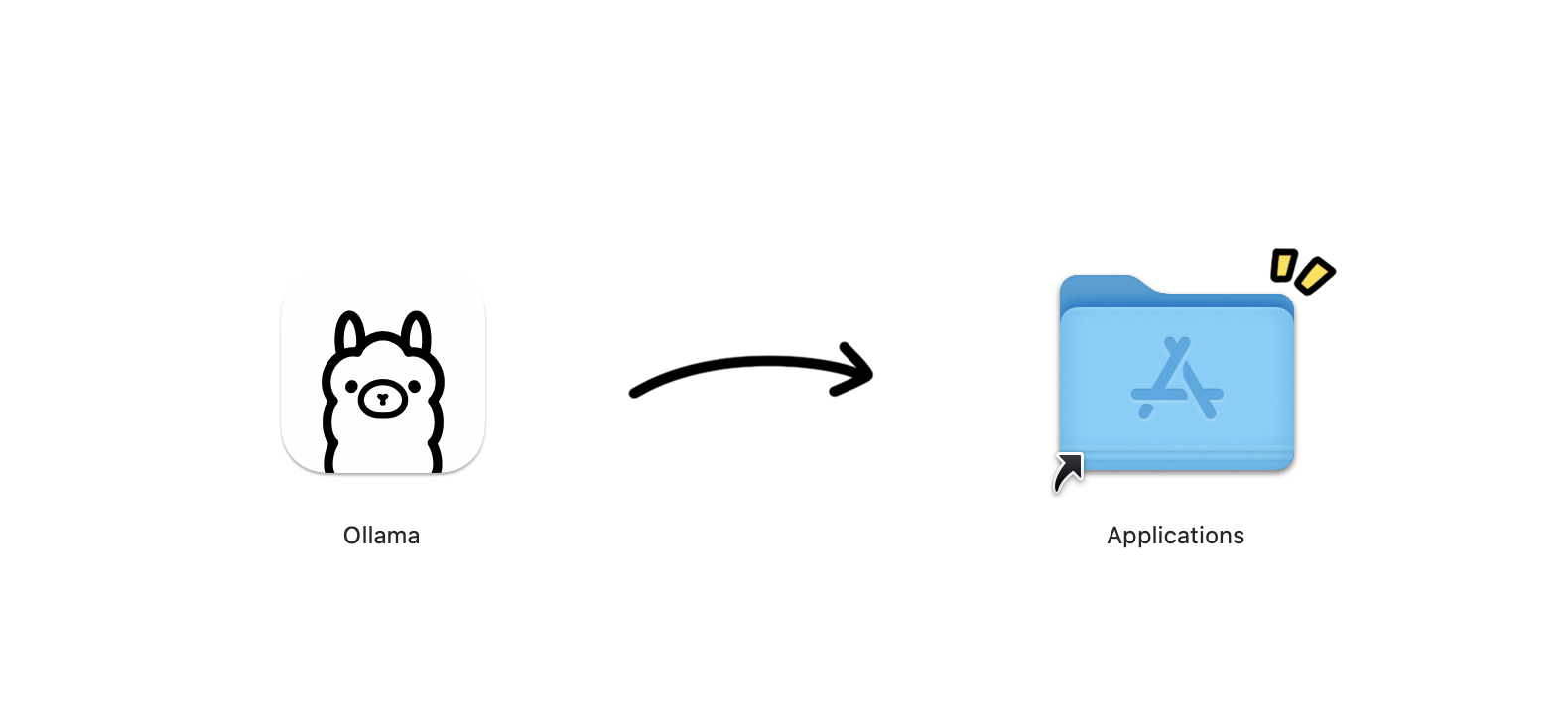
- Open the downloaded
.dmgand drag Ollama into your Applications folder - Open Ollama
🚨 macOS security prompt: If you see “Ollama can’t be opened because it is from an unidentified developer,” go to “System Settings → Privacy & Security,” scroll to the bottom, and click “Open Anyway.”
Confirm the install succeeded:
ollama --versionIf you see a version number, you’re good: ollama version 0.6.x
Step 2: Launch OpenClaw With One Command
Open Terminal:
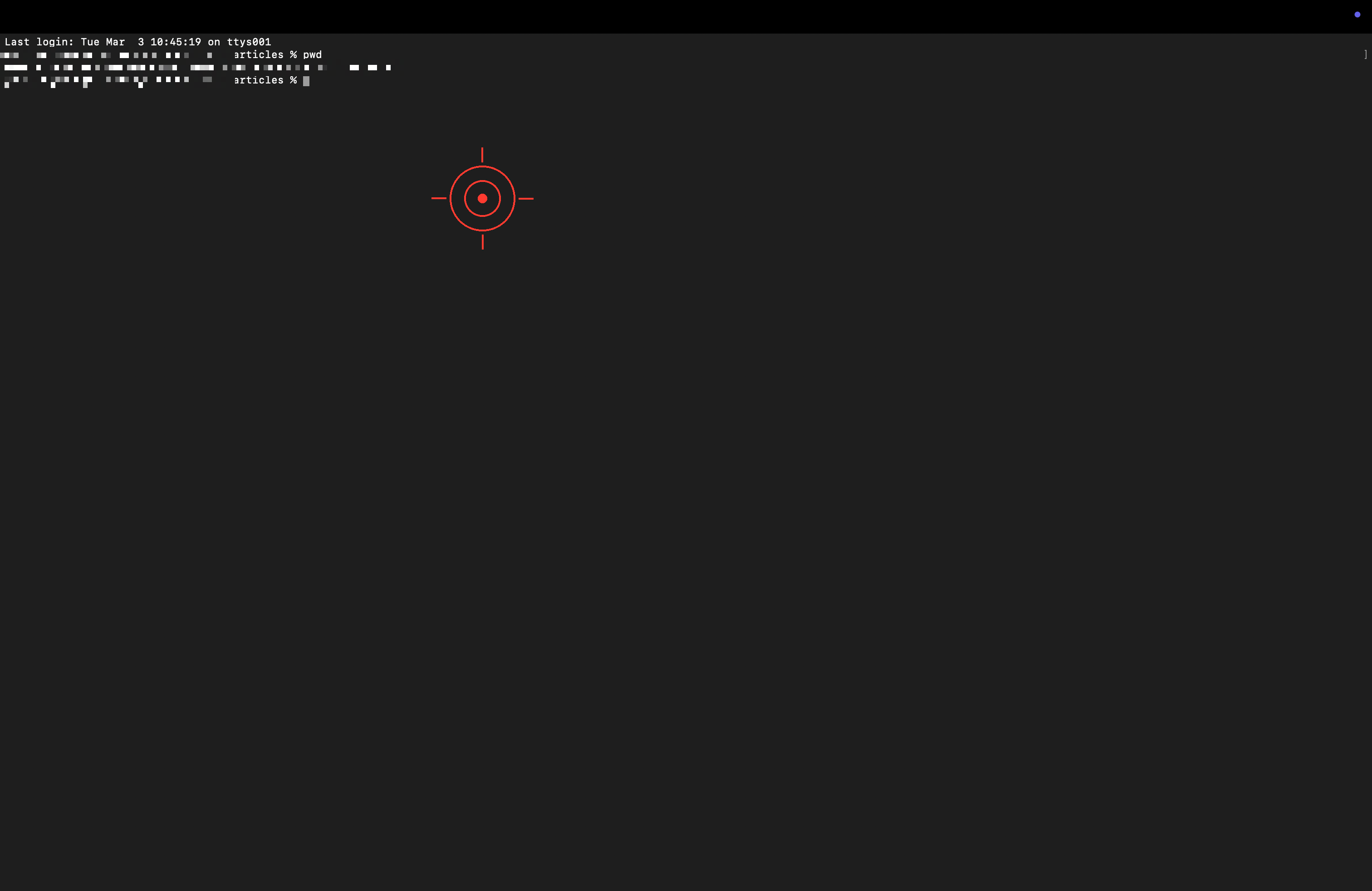
Type:
ollama launch openclaw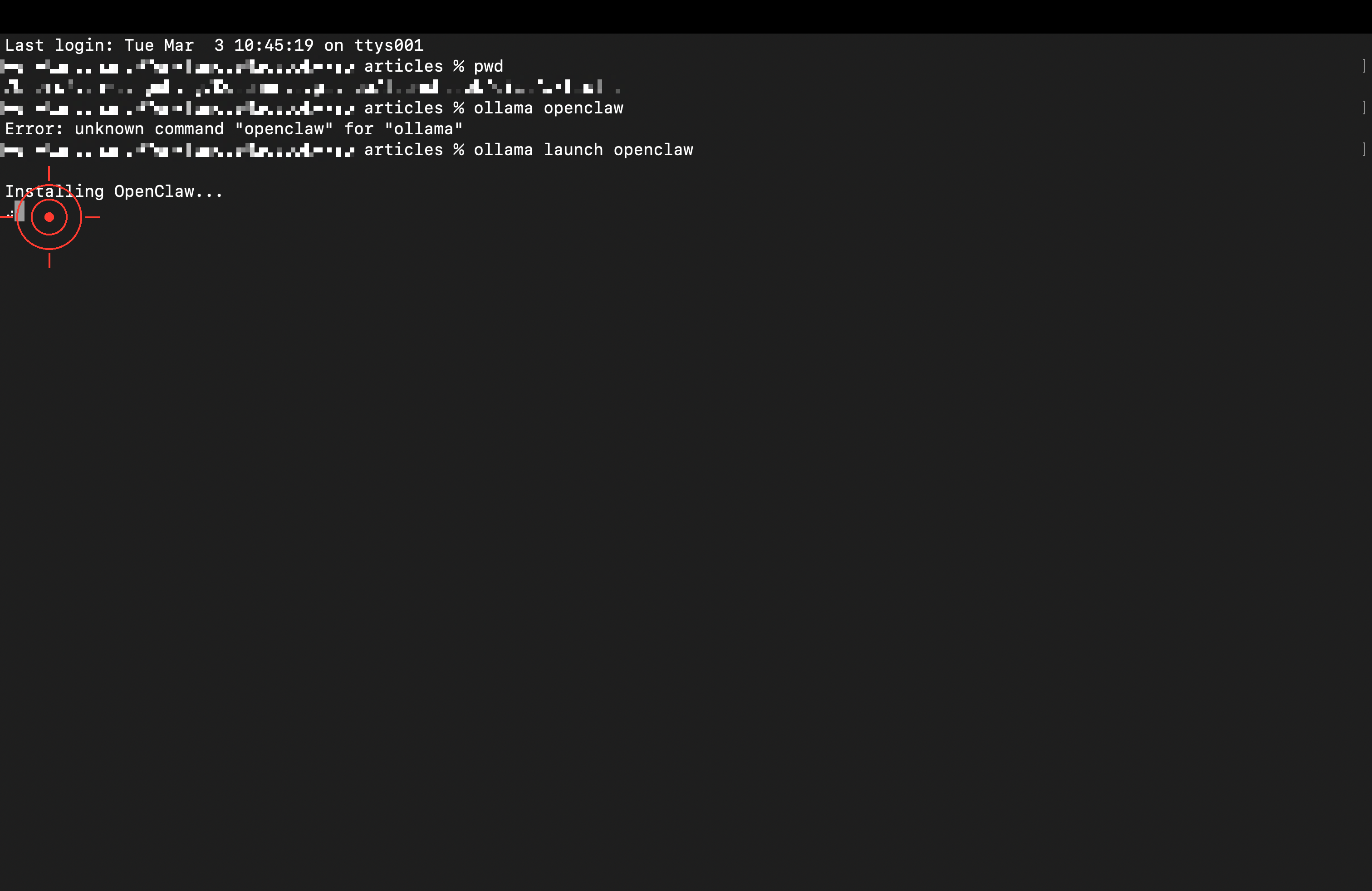
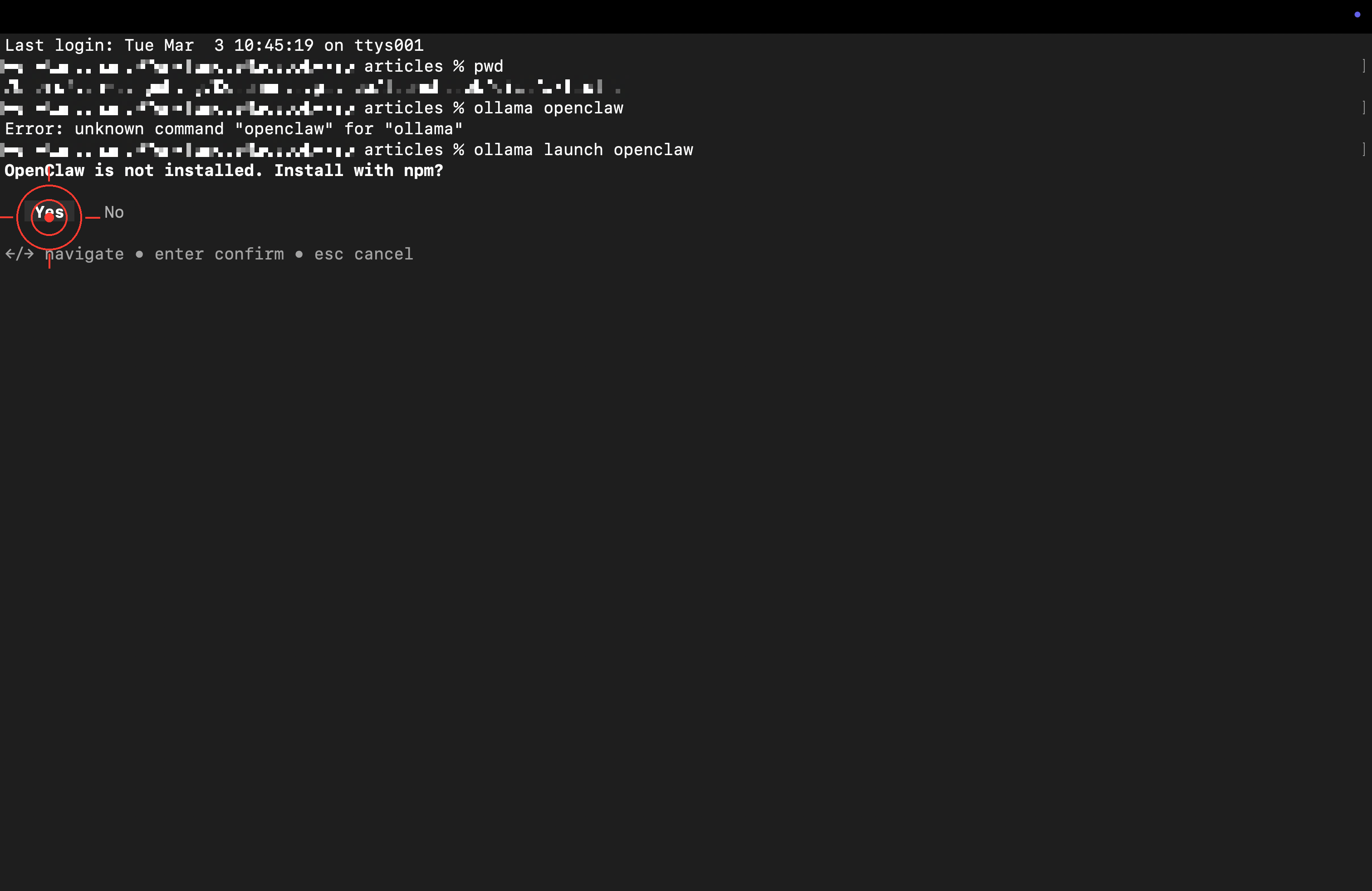
The first run installs automatically. When it asks whether to install via npm, press Enter to confirm:
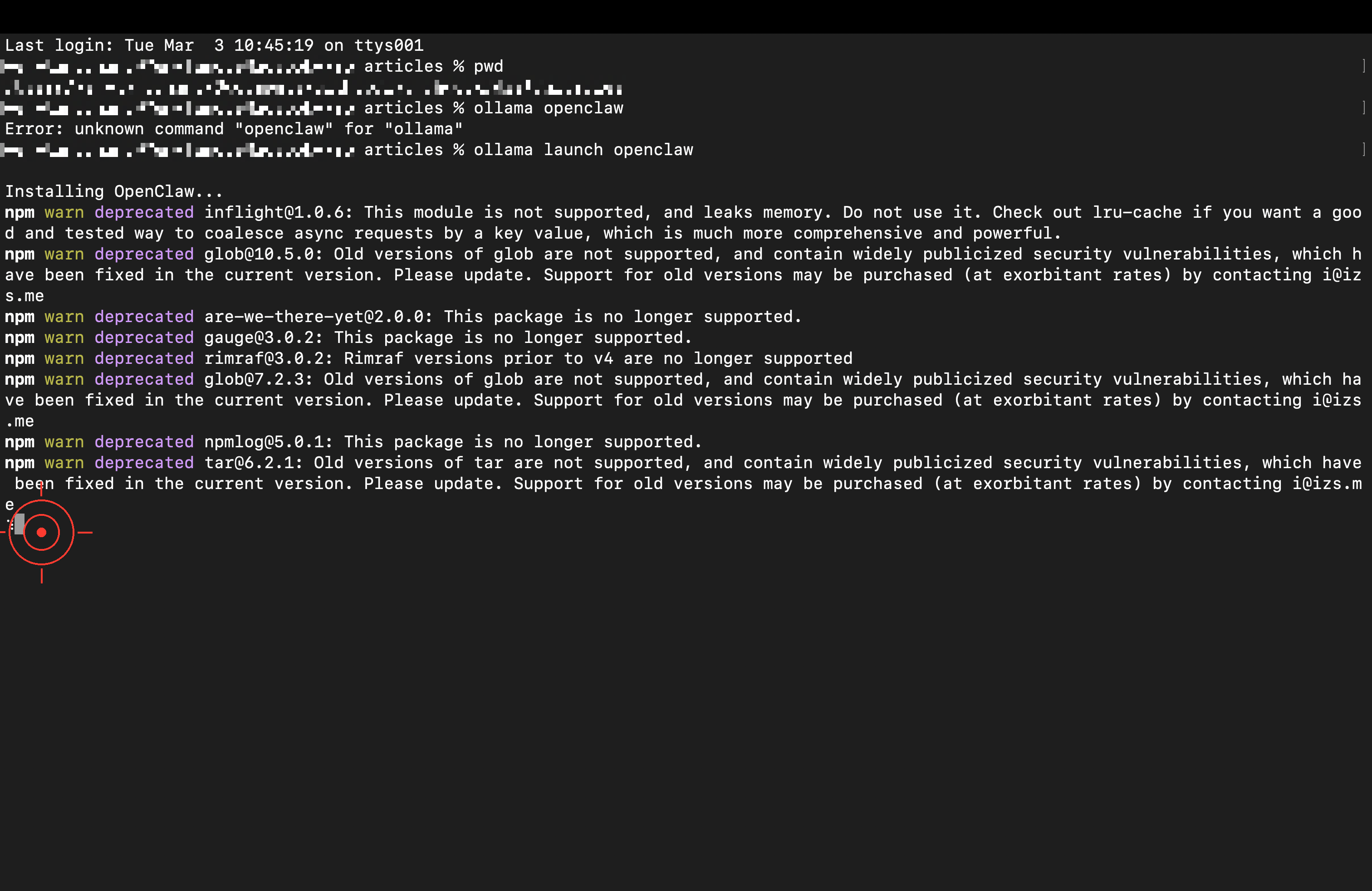
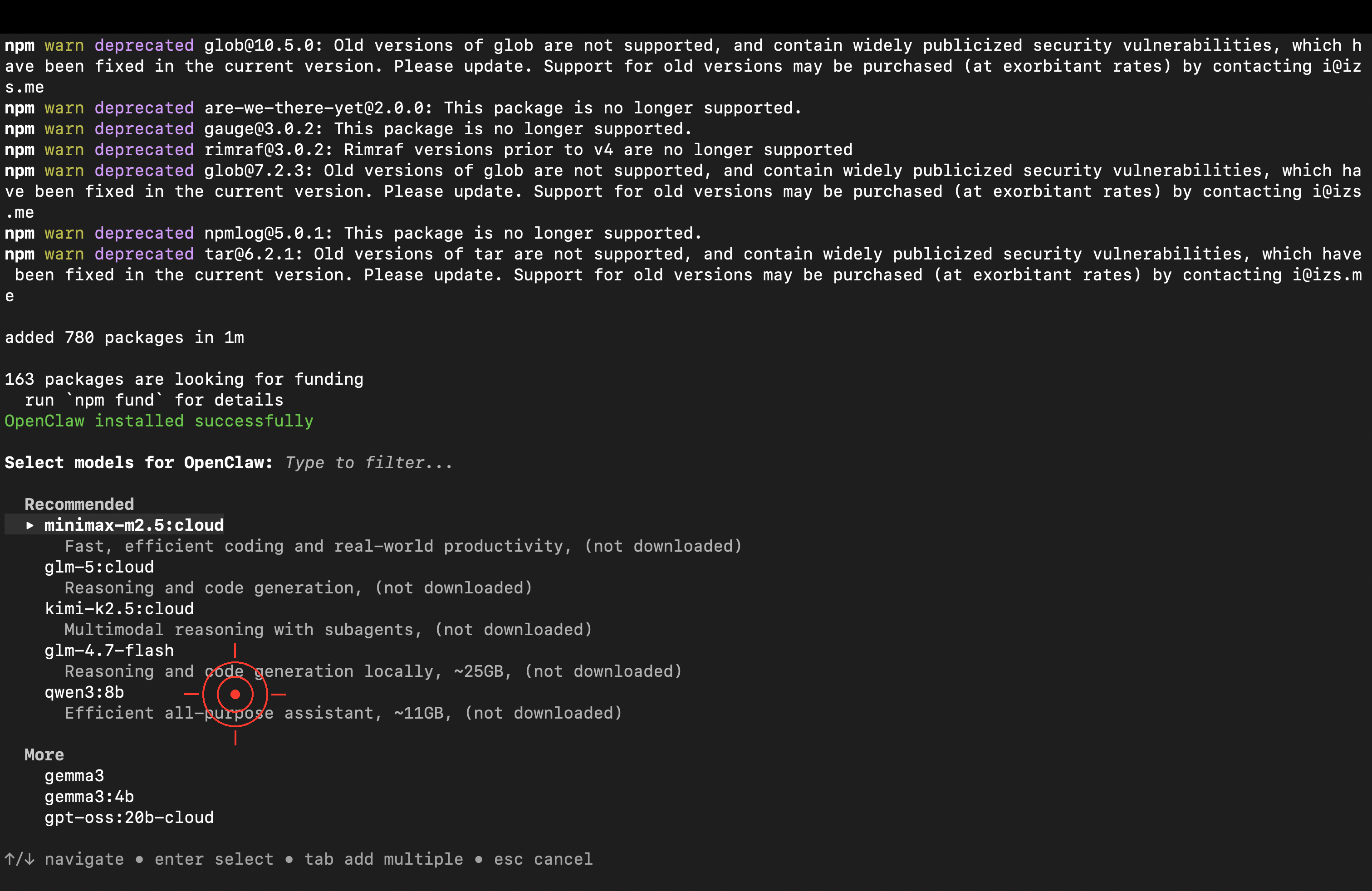
After installation, pick a model. Just choose “Cloud” — there’s no need to download a model to your machine.
<img src="/images/dock_head_s.png" alt="Duck Editor" width="24" style="vertical-align: middle;">Recommended cloud models (use Ollama’s free quota, no download):
Model Strengths minimax-m2.5🥇 Tested pick: best tool-calling ability, excellent on Agent tasks kimi-k2.51T parameters, strong conversation quality glm-4.7General-purpose, stable and reliable One note though: these models are fine for playing around, but if you want to roll them into a real workflow, it’s still better to switch to mainstream models like Claude or GPT-4o — there’s a clear gap in stability and tool-use reliability.
macOS may show a security prompt (Node.js is OpenClaw’s runtime); just click “Allow”:
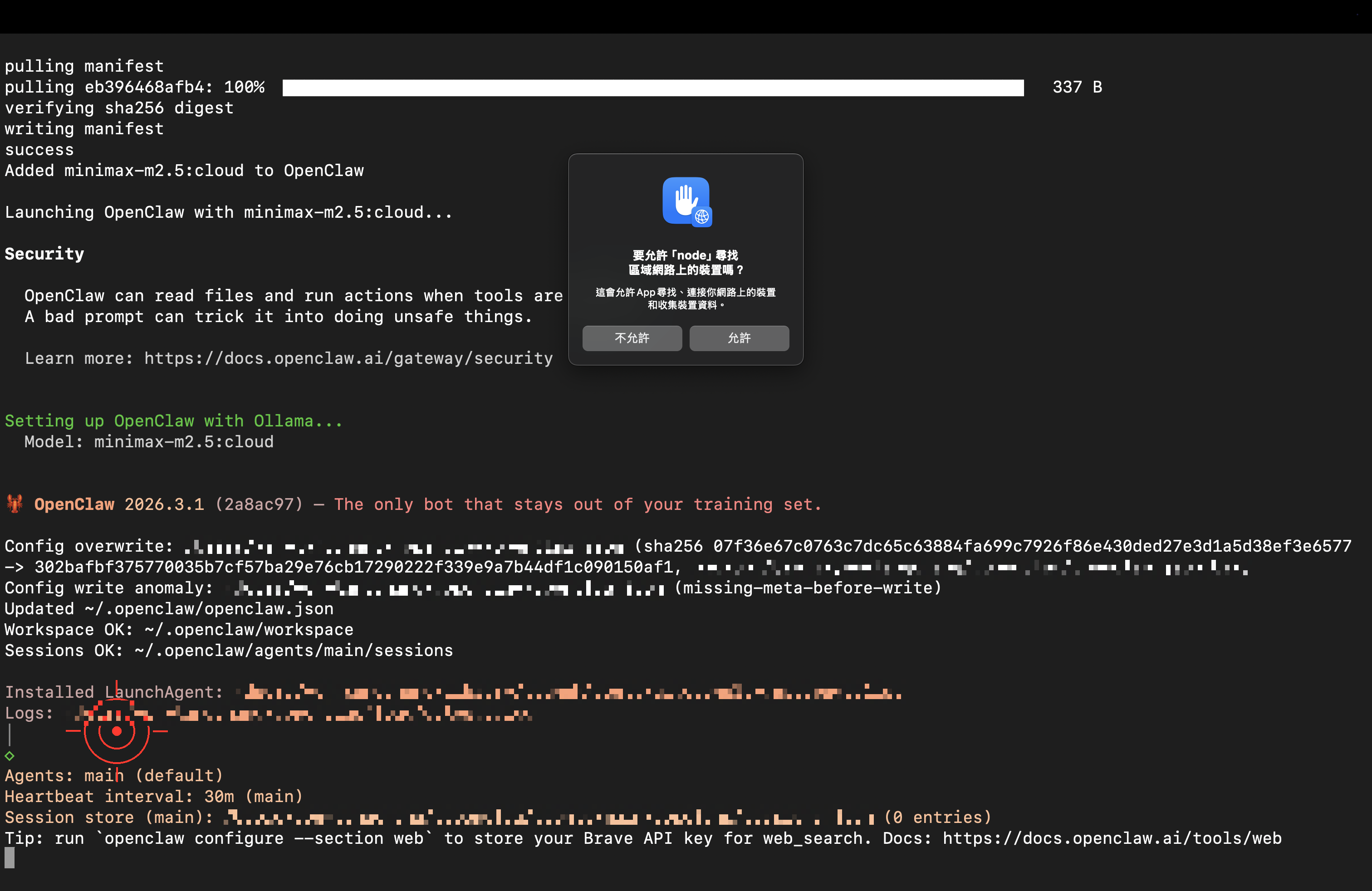
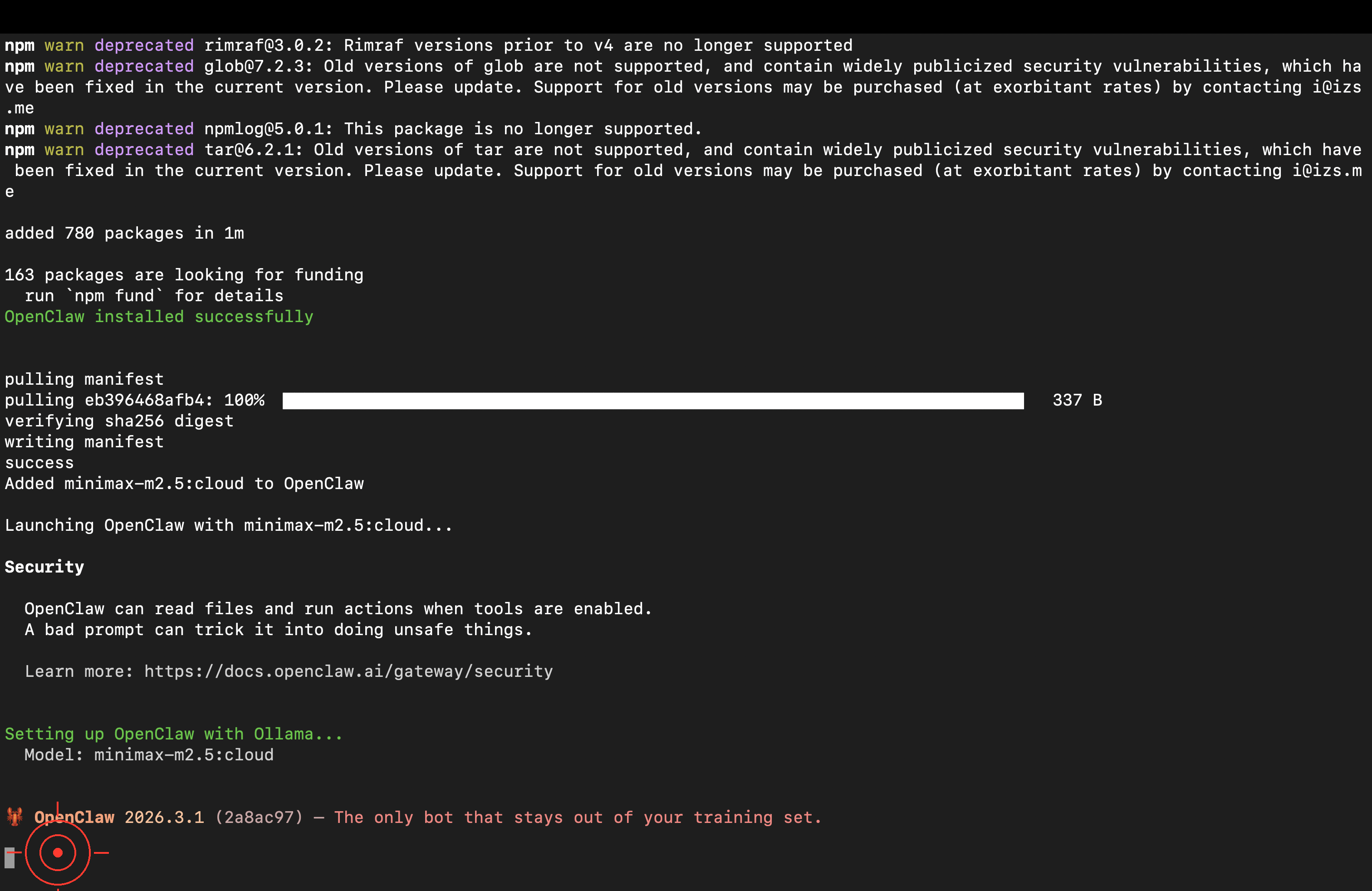
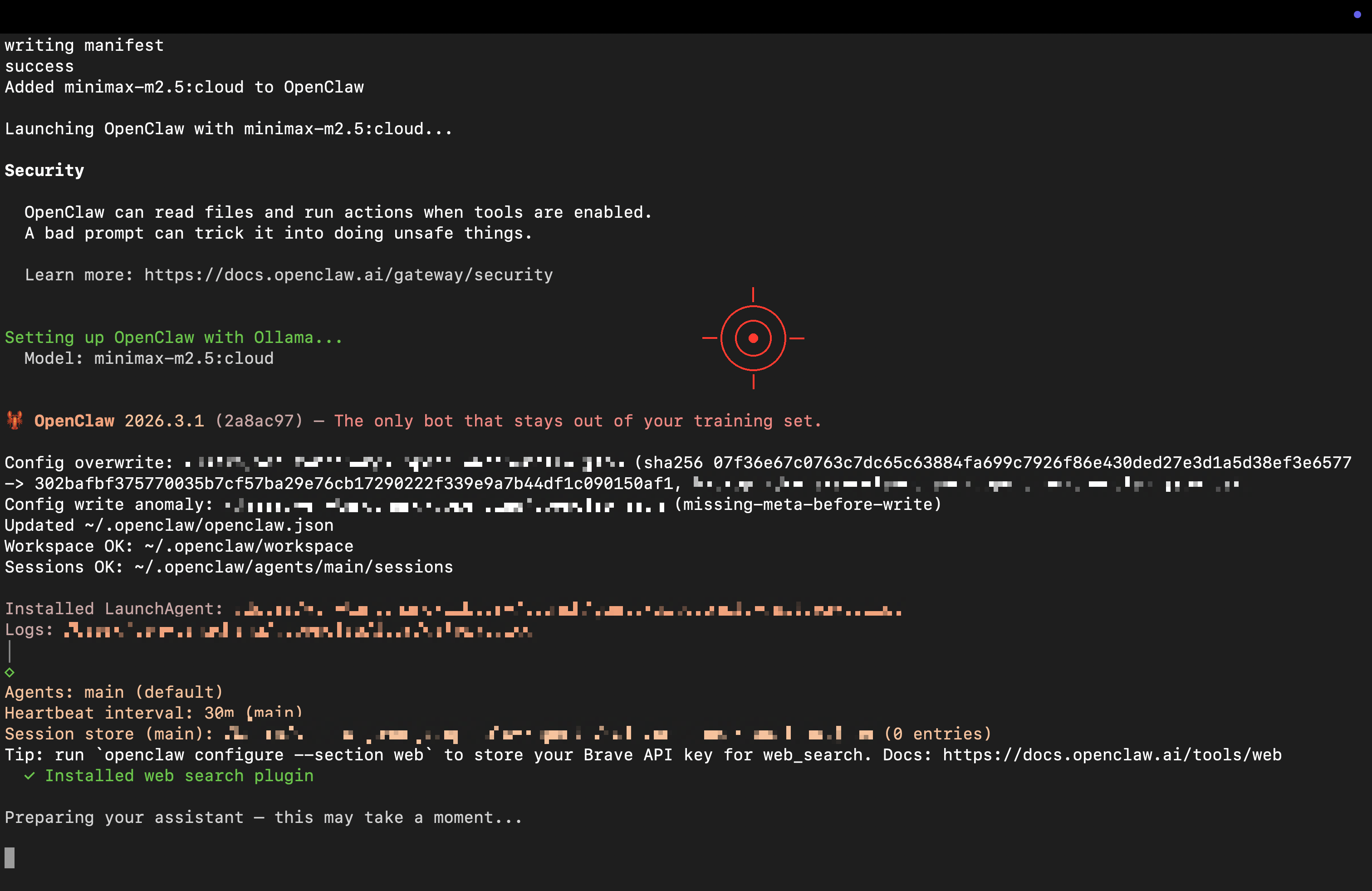
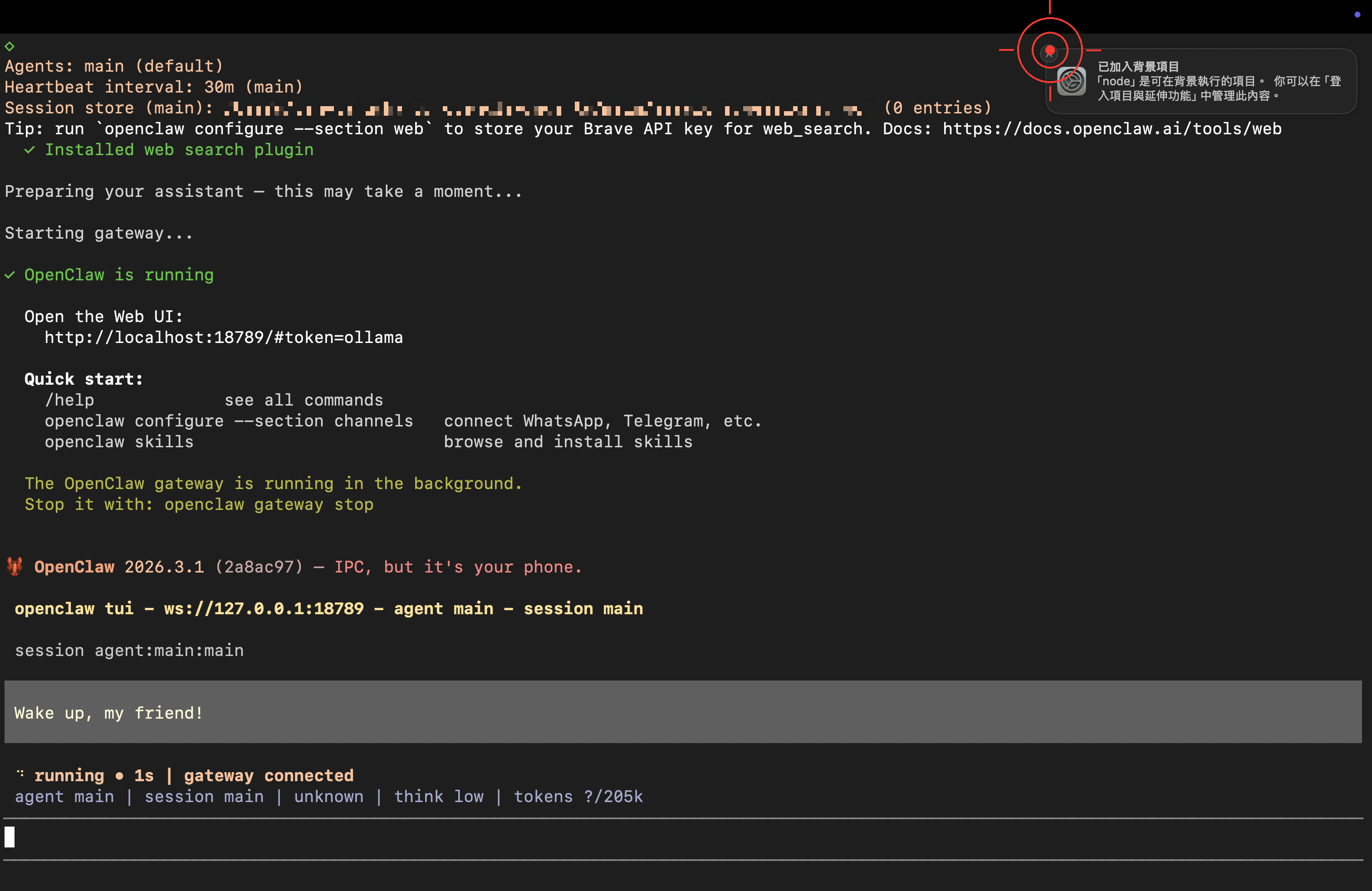
When the ready screen appears, you’ve launched it successfully!
Step 3: Your First Conversation — Name Your Lobster 🦞
Try typing:
Hi! I'm the owner here. Please introduce yourself in English — who you are and what you can do.
Also, pick a distinctive name for yourself!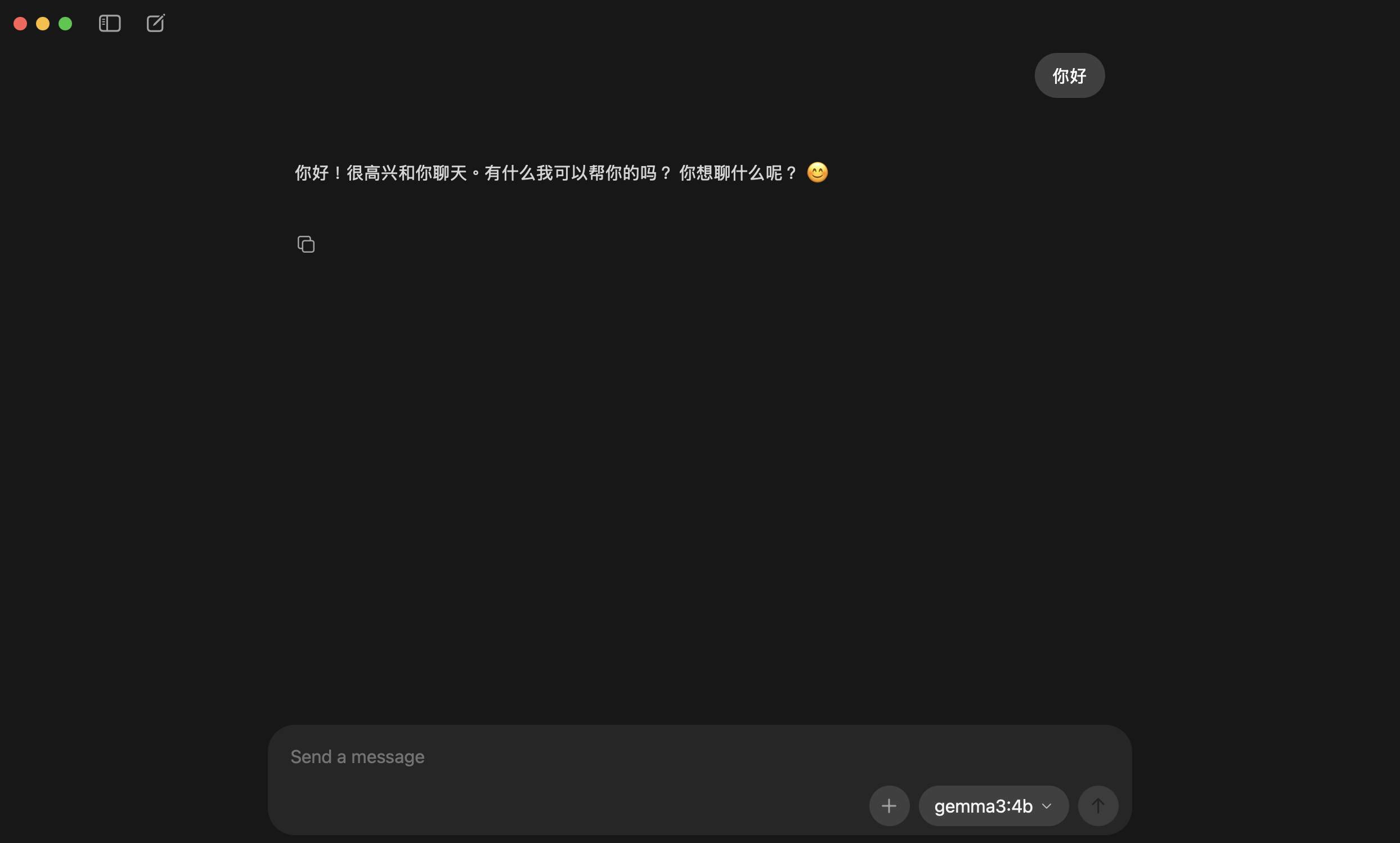
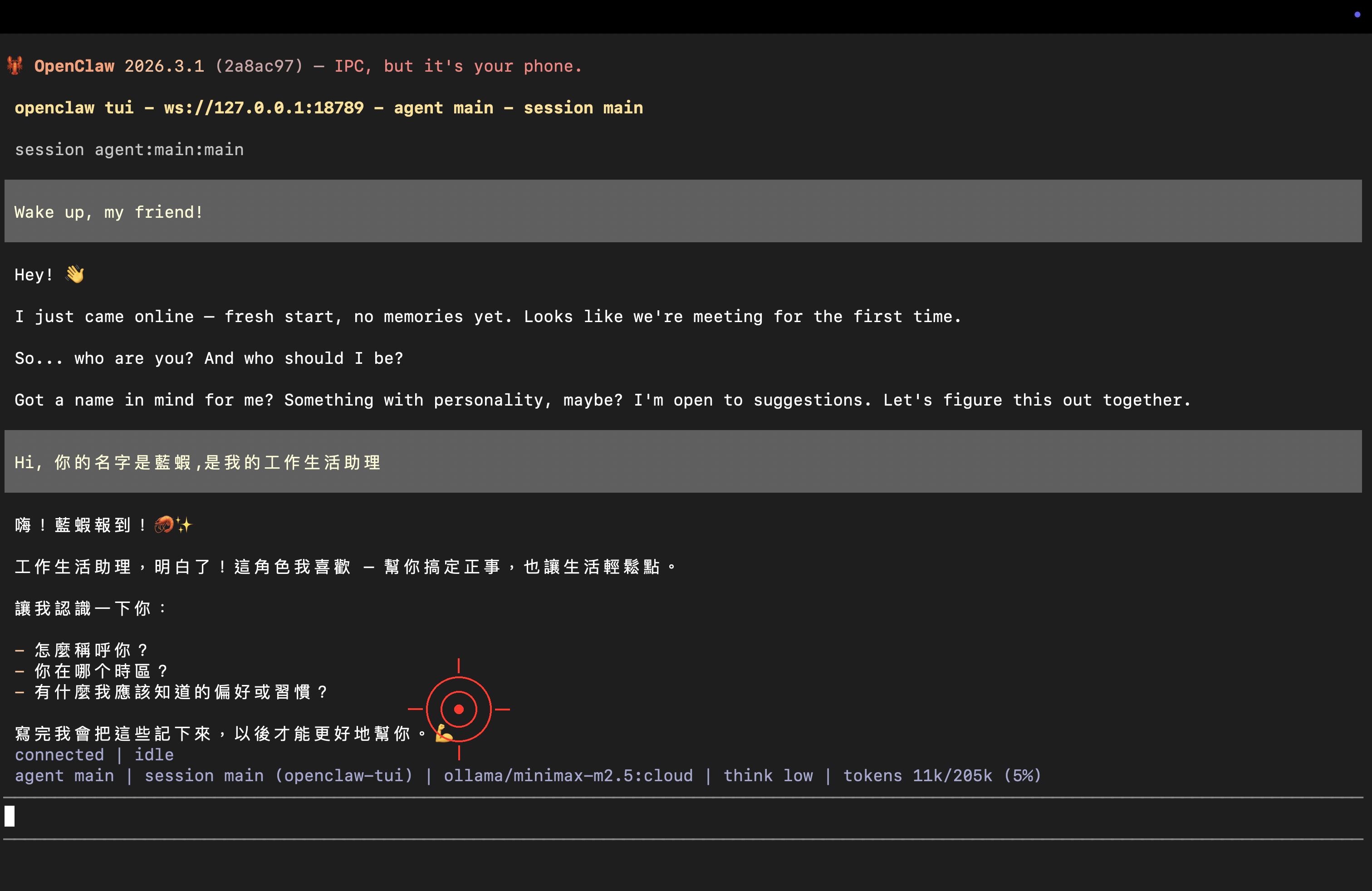
Congratulations 🎉 Your lobster is officially up and running!
<img src="/images/dock_head_s.png" alt="Duck Editor" width="24" style="vertical-align: middle;">If the model replies in a language you don’t want, just tell it: “Please reply in English,” and it’ll switch.
About the Free Quota
Ollama’s cloud models come with a free quota (official details). To check your usage:
- Go to ollama.com/settings and sign in with your Google account
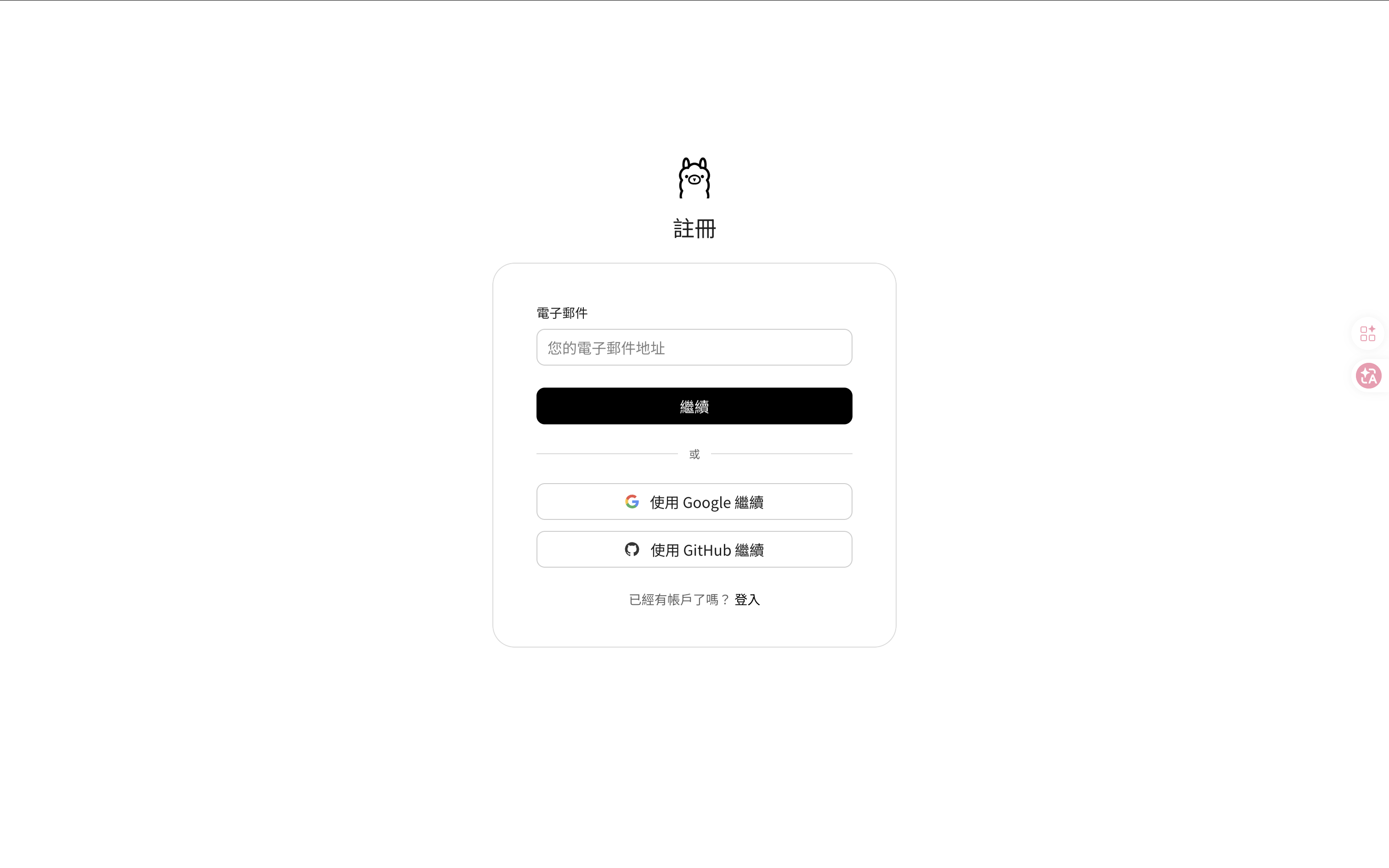
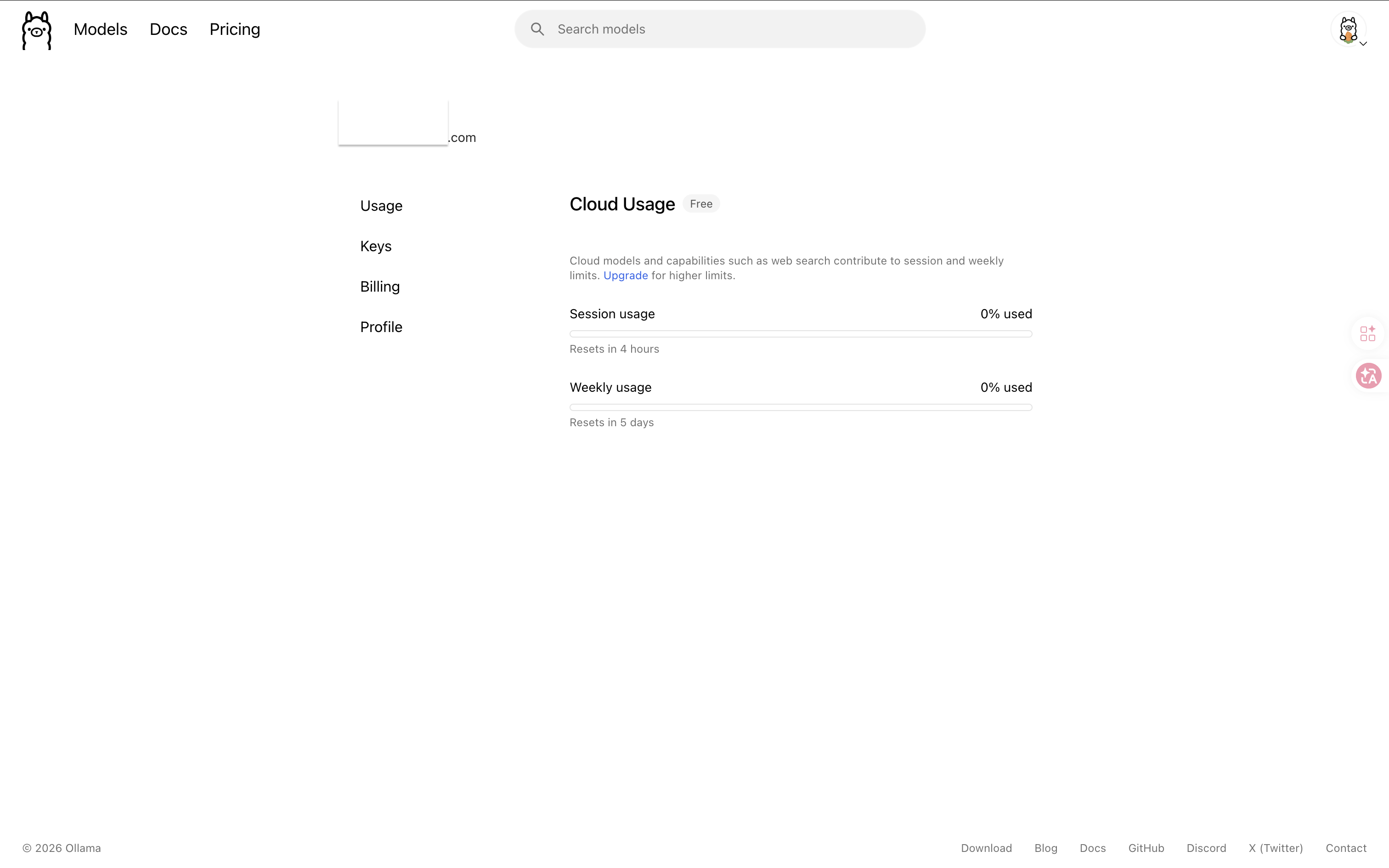
Out of quota? You can switch to the Gemini Flash cloud API, or download an open-source model locally (see the section below).
FAQ
🚨 OpenClaw Can’t Connect to Ollama
# Confirm Ollama is running
ollama ps

# Confirm the API is healthy
curl http://localhost:11434/api/tags
Make sure the Ollama icon is in your menu bar. If it isn’t, reopen the Ollama app.
🚨 The Model Responds Slowly
Cloud models aren’t affected by your machine’s specs; speed differences only appear once you switch to a local model.
🚨 I Want to Switch Models
Re-run ollama launch openclaw, or switch from the settings page:
ollama launch openclaw --configBonus: Download an Open-Source Model Locally (Optional)
Want to go fully offline, save cloud quota, or just curious? Here’s the quick version.
Check your specs (local models need at least 8 GB RAM):
| Your hardware | Recommended model | Expected speed |
|---|---|---|
| 8GB RAM, no GPU | llama3.2:3b | 5–10 tokens/sec |
| 16GB RAM, Apple M1 | qwen2.5:7b | 15–25 tokens/sec |
| 32GB+ RAM, Apple M series | qwen2.5:14b | 30+ tokens/sec |
# Download (recommended for Chinese users)
ollama pull qwen2.5:7b

# Test
ollama run qwen2.5:7b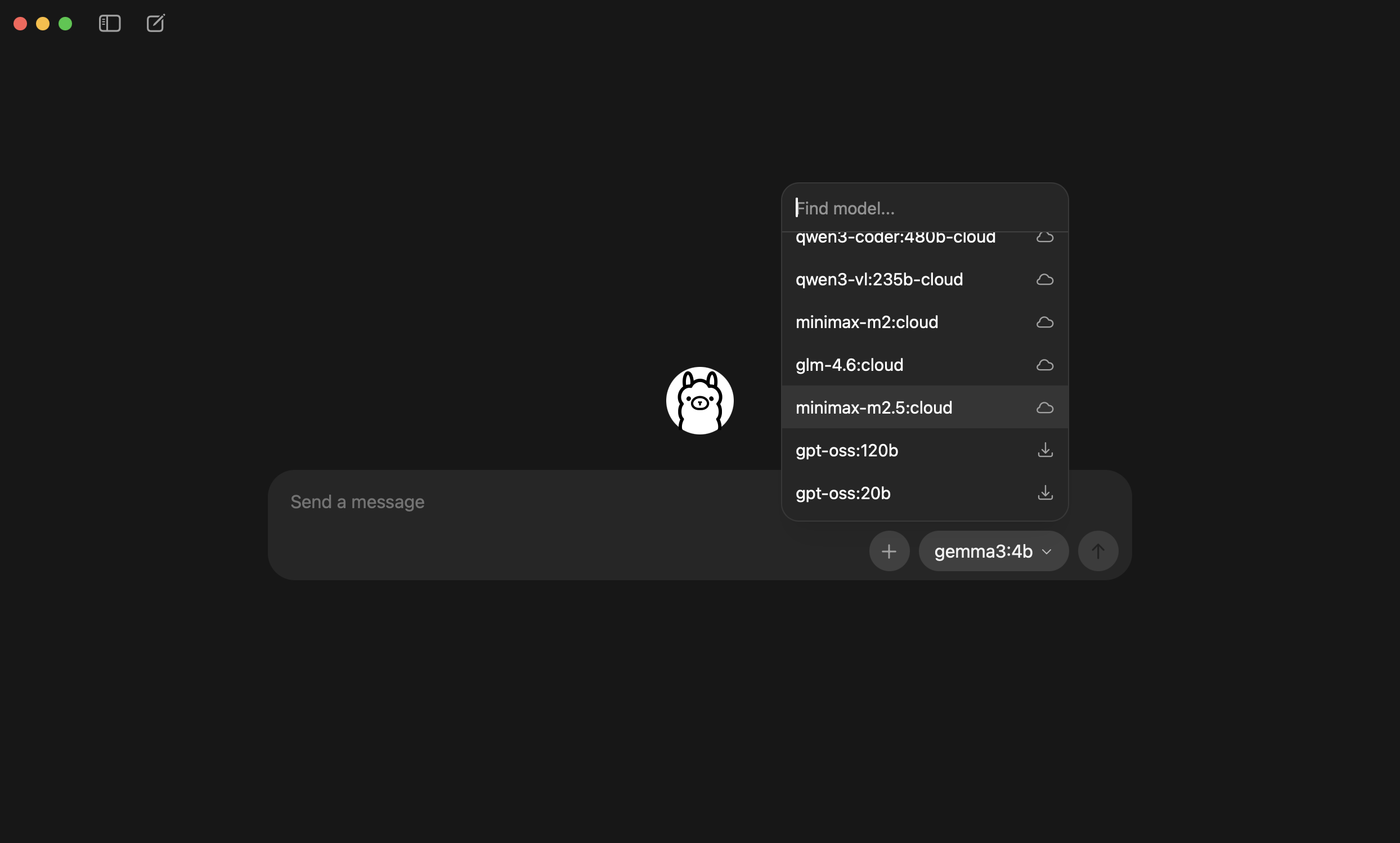
Apple Silicon (M1/M2/M3/M4) enables GPU acceleration automatically — no extra setup needed.
Next Steps
Questions? Join the homepage discussion and let’s talk!
這篇文章對你有幫助嗎?
💬 問答區
卡關了?直接在這裡問,其他讀者和作者都能幫忙解答。
載入中...